Cutting-Edge Local LLMs in 2026: M5 Max vs DGX Spark vs RTX Pro 6000 vs DGX Station
Nemotron 3 Super is 120B. Nemotron-Cascade 2 fits on a 4090. If you want to run frontier-class open models locally in 2026, four boxes dominate the conversation — Apple's M5 Max, NVIDIA's DGX Spark, the RTX Pro 6000, and the DGX Station. Here is how they actually compare.
The Verdict
Four machines are worth talking about in April 2026 if you want to run a modern open-weight LLM on your own desk: Apple’s MacBook Pro with M5 Max + 128GB unified memory, NVIDIA’s DGX Spark (128GB Grace Blackwell, desk-side), the NVIDIA RTX Pro 6000 Blackwell (96GB GDDR7 in a tower), and the just-shipping NVIDIA DGX Station (up to 748GB on a GB300 superchip). They target the same outcome — running Nemotron 3 Super, Nemotron-Cascade 2, Qwen 3.5 122B, DeepSeek V3.2, and the rest of the open frontier without an egress bill — but they sit at radically different price points and deliver radically different ergonomics.
Short version: the M5 Max is the quiet power user’s pick, the DGX Spark is the CUDA-native dev box for the price, the RTX Pro 6000 is the one you buy if tokens-per-second matters more than anything else, and the DGX Station is what you buy if your company is paying.
Why This Matters in 2026
The open-weight landscape finally caught up with closed frontier models this year. NVIDIA shipped Nemotron 3 Super in March — a 120B-total / 12B-active hybrid Mamba-Transformer MoE that delivers up to 5x higher throughput than the previous generation and up to 2x higher accuracy, explicitly aimed at agentic workloads. A week later NVIDIA dropped Nemotron-Cascade 2, a 30B MoE with only 3B active parameters that runs on a single RTX 4090 and outscores the bigger Super model on coding and math benchmarks — the second open-weight LLM after DeepSeek V3.2 Speciale to hit gold-medal performance on IMO, IOI, and ICPC World Finals.
Translation: you can now put a model on your desk that was state-of-the-art six months ago, in full weights, with no rate limit and no egress bill. The only question is which box to run it on.
This comparison is written for people who have decided to run locally. The “should I just use an API” argument is a different post.
What You Actually Need To Run These Models
Three numbers matter. Memory capacity (can the weights and KV cache fit?), memory bandwidth (how fast can the GPU stream weights each token?), and compute (how fast can it do the math once the weights are in flight?).
A quick reference for the models that matter right now:
| Model | Active / Total params | FP16 footprint | 4-bit footprint | Notes |
|---|---|---|---|---|
| Nemotron-Cascade 2 | 3B / 30B MoE | ~60GB | ~18GB | Fits single RTX 4090 at 4-bit, easily on all four machines here |
| Nemotron 3 Super | 12B / 120B MoE | ~240GB | ~70GB | Needs 128GB+ unified memory, or a quant for the RTX Pro 6000 |
| Qwen 3.5 122B | 12B / 122B MoE | ~245GB | ~72GB | Same envelope as Nemotron 3 Super |
| DeepSeek V3.2 | 37B / 671B MoE | ~1.3TB | ~400GB | DGX Station territory only |
| Llama 3.3 70B | 70B dense | ~140GB | ~40GB | Dense model, memory-bandwidth limited |
The catch is that active parameters drive speed but total parameters drive what fits. A 120B MoE only activates 12B per token, so it’s fast once loaded — but you still have to have 70GB+ of memory to hold the full weights. This is why unified-memory machines and high-VRAM cards are suddenly the interesting tier.
Option 1: Apple MacBook Pro 16” M5 Max, 128GB Unified Memory
This is the one I’m buying, and I’ll tell you why.
The M5 Max in the 16-inch MacBook Pro ships with an 18-core CPU, 40-core GPU (now with a Neural Accelerator built into each GPU core), and up to 128GB of unified LPDDR5X — all in a laptop chassis that runs silent, delivers 24-hour battery life on normal loads, and doesn’t need a dedicated desk corner. Apple added the Neural Accelerators per GPU core specifically to accelerate on-device LLM inference, and it shows: Expert Reviews measured local Llama 3.3 70B at usable interactive speeds on the M5 Max, and MLX inference on Nemotron 3 Super at 4-bit lands around 15-20 tok/s depending on context length.
The critical number is 128GB of unified memory at 546 GB/s bandwidth. That’s roughly 2x the DGX Spark’s memory bandwidth in a machine that weighs 2.1kg and draws under 40W at the wall for most inference. It comfortably holds Nemotron 3 Super at 4-bit with full context, runs Nemotron-Cascade 2 in FP16 with room to spare, and gives you plenty of headroom for multiple models loaded simultaneously (one for chat, one for coding assistance, one for embeddings).
Pricing
The 128GB / 8TB maxed-out config on Apple UK is £7,199. In Eurozone countries it’s roughly €8,952 for the same spec. A more balanced 128GB / 2TB trim is around £5,399. Amazon UK does not stock the 128GB configurations directly — they’re Apple’s own build-to-order tier, available through Apple Store or authorised Apple retailers only. The 48GB M5 Max with 40-core GPU and 2TB SSD is available as a floor-model Amazon listing and gives you a sense of the chassis performance at the lower memory tier:
Verdict
For someone who wants a single machine they can actually carry, that runs silent, and that handles every open-weight model shipped to date at usable speeds, the M5 Max 128GB is the most elegant product on the market in 2026. The downside: macOS + MLX is the quietest CUDA alternative, not a CUDA replacement. If your workflow is locked to CUDA-specific libraries (vLLM, TensorRT-LLM, specific flash-attention kernels), you need one of the NVIDIA options below.
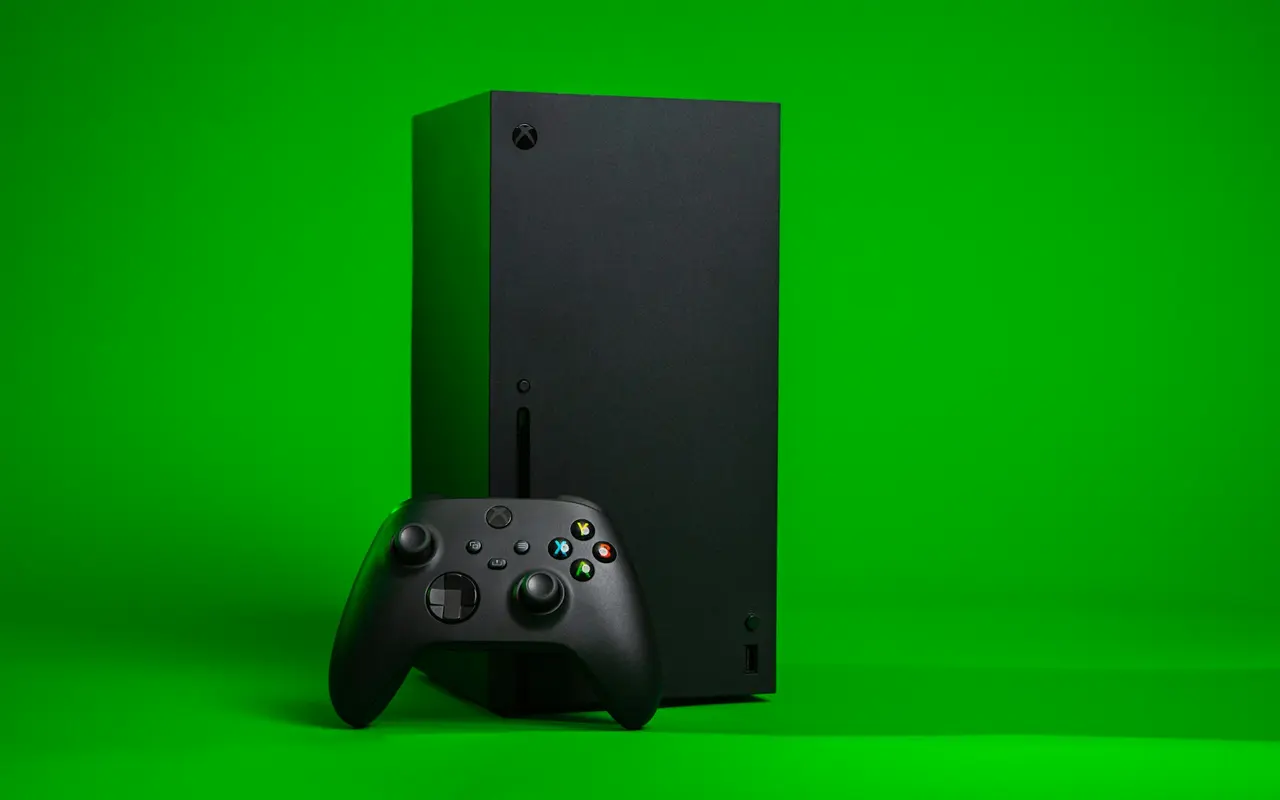
Option 2: NVIDIA DGX Spark (128GB Grace Blackwell)
The DGX Spark is NVIDIA’s answer to the “I want a CUDA dev box on my desk” problem. It’s a 1.5L mini-PC built around the GB10 Grace Blackwell superchip: 20-core ARM CPU (10× Cortex-X925 + 10× Cortex-A725) fused to a Blackwell GPU over NVLink-C2C, with 128GB of LPDDR5X unified memory shared between CPU and GPU, plus a 4TB NVMe. It draws around 170W, fits in a shoebox, and runs the full CUDA stack natively.
The bandwidth problem
The elephant in the room is memory bandwidth. The DGX Spark’s 128GB LPDDR5X pool runs at 273 GB/s — roughly half the M5 Max’s 546 GB/s and a tiny fraction of the RTX Pro 6000’s 1.8 TB/s. Reviews consistently call this out as the bottleneck: LMSYS and others report that while prefill (prompt processing) screams on Spark, token generation on large models is memory-bound and modest. The numbers from published benchmarks:
- Llama 3.1 70B: ~2.7 tok/s on a single Spark (bandwidth-limited)
- GPT-OSS 120B: ~35 tok/s on a single Spark
- Qwen 3.5 122B: ~40 tok/s on dual Sparks
- Nemotron 3 Super (120B): ~30-38 tok/s on a single Spark at NVFP4
NVIDIA’s CES 2026 software update delivered up to 2.5x improvements over launch through TensorRT-LLM optimisations and speculative decoding, which closes the gap on smaller models significantly. For MoE models (Cascade 2, Nemotron 3 Super, Qwen 3.5) the low active-parameter count masks the bandwidth problem — these are the models the Spark looks best on. For dense 70B models, it’s frankly slow.
Pricing
- US MSRP: $4,699 (raised from $3,999 on February 27, 2026, citing LPDDR5X supply constraints)
- UK retail: approximately £3,700 from Scan.co.uk, Ballicom, and Novatech (authorised NVIDIA resellers)
- Amazon UK: not currently stocked — direct-from-NVIDIA marketplace or UK channel resellers only
See NVIDIA’s UK marketplace listing for the official channel.
Verdict
The DGX Spark is the cheapest 128GB CUDA-native box you can put on a desk. If your primary job is developing models, testing kernels, or prototyping agentic pipelines that will later deploy to DGX Cloud or an H100 cluster, this is the correct purchase — the software stack is identical to the bigger NVIDIA systems, so everything you prototype here ports upward without friction. If your primary job is fast token generation for interactive use, the memory bandwidth will disappoint you and the M5 Max or RTX Pro 6000 is a better pick.
Option 3: NVIDIA RTX Pro 6000 Blackwell (96GB GDDR7) in a Tower
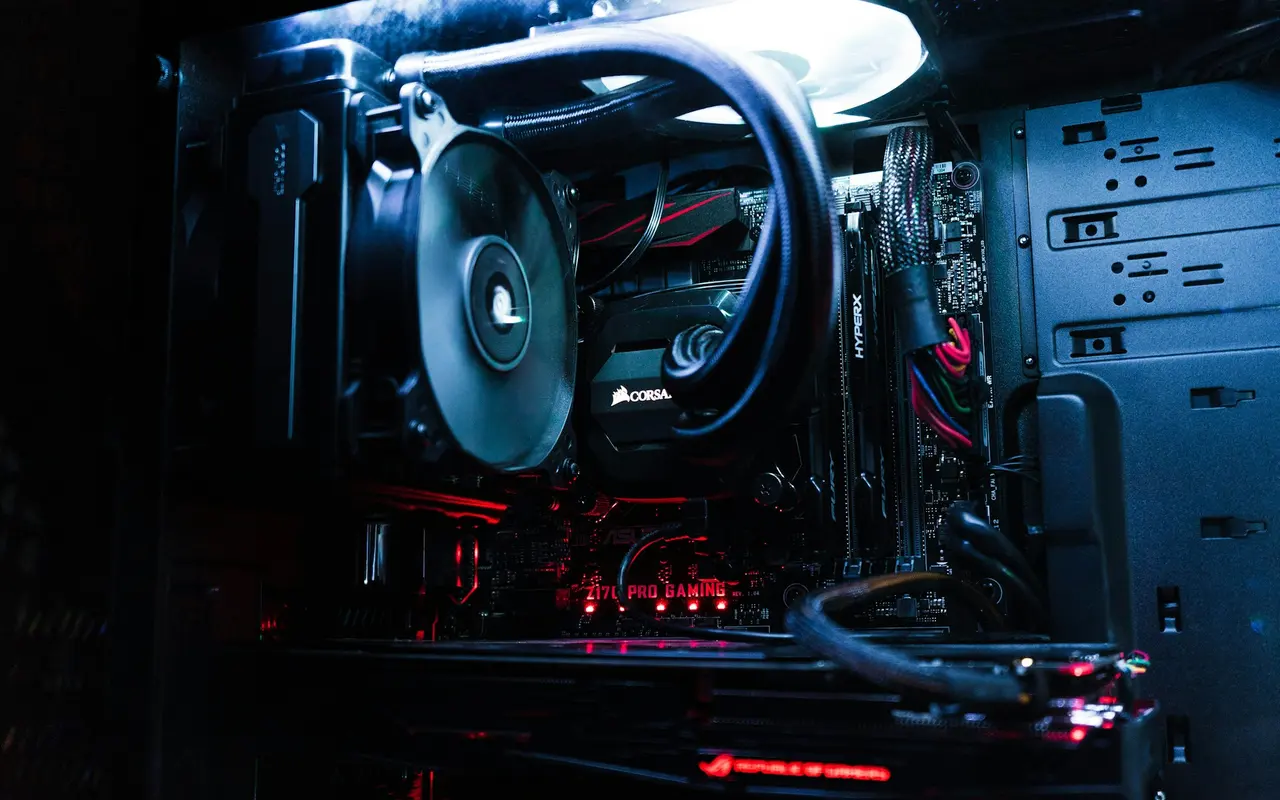
This is the tokens-per-second pick. We’ve already reviewed the RTX Pro 6000 in depth — 24,064 CUDA cores, 96GB of GDDR7 with ECC, 1.8 TB/s memory bandwidth, 600W TGP, the fastest single GPU you can put in a normal PC chassis. For local LLM inference it’s in a different league entirely.
The bandwidth advantage
Where the DGX Spark’s 273 GB/s and the M5 Max’s 546 GB/s both throttle dense-model generation, the RTX Pro 6000’s 1.8 TB/s GDDR7 feeds dense weights to the compute units fast enough that token generation is compute-bound, not memory-bound. Published benchmarks put a well-optimised RTX Pro 6000 at over 240 tok/s on a 120B model (roughly 6-8x a single DGX Spark), and FP16 Llama 3.3 70B hits 80+ tok/s — the kind of speed that feels like a closed-API model rather than a local one.
The catch: 96GB doesn’t hold every model at FP16. Nemotron 3 Super fits comfortably at 4-bit but not at FP16. DeepSeek V3.2 isn’t going on a single card at any useful quant. You’re living in the “quantised large models” zone, which is fine for production inference and most coding/agentic work but means you can’t naively compare weights against FP16 baselines on this card.
Pricing
The RTX Pro 6000 isn’t sold through general retail right now — UK street pricing runs around £8,320 for the Max-Q trim and £9,500+ for the full 600W Workstation Edition when stock surfaces. It drops into any workstation or modified gaming chassis with a 1200W+ PSU.
You also need the host machine — figure £1,500-£2,500 for a capable workstation chassis (Threadripper, 128GB DDR5, 1200W PSU, good cooling). Total system cost lands at roughly £10,000-£12,000 for a turnkey RTX Pro 6000 LLM box. Read the full RTX Pro 6000 review →
Verdict
If the metric is tokens per second for a single user on a model that fits in 96GB, nothing else in the consumer-accessible tier is close. The RTX Pro 6000 runs CUDA-native, supports every library in the ecosystem, partitions via MIG if you want to run multiple isolated instances, and also happens to be the fastest gaming GPU on planet earth on the side. For serious local inference at serious speed, this is the one.
Option 4: NVIDIA DGX Station (GB300, up to 748GB memory)
This is the option for when budget isn’t the constraint and you want to run DeepSeek V3.2 at FP16, or serve Nemotron 3 Super to a whole team, or fine-tune against a frontier-sized model on-prem. NVIDIA announced the DGX Station at GTC 2025 and started shipping through partners (ASUS, Dell, GIGABYTE, MSI, Supermicro) in Q1 2026. The MSI XpertStation WS300 listed on CDW at $96,995.99 in late February — that’s your ballpark.
What you get
- GB300 Grace Blackwell Ultra Superchip: 72-core Grace ARM CPU + Blackwell Ultra GPU
- Up to 748GB of unified memory (roughly 252GB directly fused to the superchip + host-side pool)
- 20 petaflops of AI compute
- ConnectX-8 dual 400GbE NIC (yes, genuinely data-centre networking on a desktop)
- 10GbE secondary NIC
- NVLink-C2C between CPU and GPU at server-class bandwidth
- DGX OS preinstalled, full NGC stack, same software target as a full DGX server
In practical terms this is a rackmount DGX compressed into a tower form factor. It runs the full NVIDIA AI Enterprise software stack, supports every frontier model that exists, and handles fine-tuning workloads that would otherwise require a cloud cluster.
Pricing
Expect $80,000 - $100,000 depending on vendor and config. Not purchasable through Amazon. Direct orders through ASUS / Dell / GIGABYTE / MSI / Supermicro channel partners; HP following later in 2026.
Verdict
If you’re asking “do I need the DGX Station”, you don’t. This is the machine your company buys when it wants an on-prem fine-tuning rig for proprietary models without a DGX Cloud contract, or when an independent researcher has funding and wants to do frontier-scale work at their desk. Everyone else on the list gets the Spark, the RTX Pro 6000, or the M5 Max.
Head-to-Head: The Numbers
| Spec | M5 Max 128GB | DGX Spark | RTX Pro 6000 | DGX Station (GB300) |
|---|---|---|---|---|
| Memory capacity | 128GB unified | 128GB unified | 96GB GDDR7 | 748GB (252GB on-chip) |
| Memory bandwidth | 546 GB/s | 273 GB/s | 1.8 TB/s | ~7.1 TB/s |
| Peak AI compute | ~18 TFLOPS FP16 (est.) | 1 petaFLOP (sparse) | ~83 TFLOPS FP16 | 20 petaFLOPS |
| Power draw | ~40W typical, 120W peak | ~170W | 600W (+ system) | ~1,800W (wall rated) |
| Form factor | Laptop | Mini PC (shoebox) | PCIe card in tower | Desktop tower |
| Noise | Silent | Fan audible at load | Loud under sustained load | Louder still |
| Software | macOS + MLX / llama.cpp | CUDA (Ubuntu / DGX OS) | CUDA (Windows / Linux) | DGX OS (NVIDIA stack) |
| Nemotron-Cascade 2 (3B/30B) | ✅ FP16 easily | ✅ FP16 | ✅ FP16 | ✅ FP16 |
| Nemotron 3 Super (120B MoE) | ✅ 4-bit; FP8 tight | ✅ NVFP4 | ✅ 4-bit | ✅ FP16 |
| Qwen 3.5 122B MoE | ✅ 4-bit | ✅ NVFP4 | ✅ 4-bit | ✅ FP16 |
| DeepSeek V3.2 (671B) | ❌ | ❌ | ❌ | ✅ quantised |
| Launch price (UK) | £5,399 (128GB/2TB) / £7,199 (max) | ~£3,700 | £8,320-£9,500+ | £70-80K+ |
| Amazon UK available | Lower trims only | No | Yes | No |
Bandwidth matters more than capacity once a model fits. On a model that lives inside 96GB, the RTX Pro 6000 will run 4-6x faster than any 128GB unified-memory system. On a model that needs 100-150GB, the M5 Max or DGX Spark become the only options you can actually load — and the M5 Max runs them roughly 2x faster than the Spark thanks to its wider memory bus.
Which One Should You Buy?
Buy the M5 Max 128GB if you want a single quiet machine that runs every open model shipped to date at usable speeds, carries easily, runs silent, and doesn’t need a dedicated desk. Best for solo devs, researchers, writers using local models as daily drivers, and anyone who values ergonomics. The on-chip Neural Accelerators and MLX ecosystem have closed most of the pure-inference gap with CUDA for interactive workloads. €8,952 / £7,199 for max spec; £5,399 for the sweet spot.
Buy the DGX Spark if you’re a CUDA developer who needs the full NVIDIA software stack on your desk and wants the cheapest 128GB entry point. Memory bandwidth is modest, so generation speed on dense 70B+ models disappoints — but for prototyping, agent development, and MoE-heavy workloads it’s the right tool. ~£3,700 gets you in.
Buy the RTX Pro 6000 if you want the fastest possible local tokens per second on a 70-120B model at quantised weights, and you already have (or are willing to build) a workstation chassis. Nothing else comes close on speed. 96GB caps you out below DeepSeek V3.2 territory, but covers the rest of the open frontier comfortably. Total system cost lands around £10-12K.
Buy the DGX Station if your organisation has the budget and you want on-prem frontier-scale capacity without renting it. 748GB of memory and 20 PF of compute will run every model that exists in 2026. $90-100K.
Buy two DGX Sparks if you specifically need 256GB of unified CUDA memory for distributed inference and have read the benchmarks showing Qwen 3.5 122B at 40 tok/s on dual units. Niche but real.
My Personal Choice
I went with the MacBook Pro 16” M5 Max / 128GB because:
- I actually move around. A 2.1kg laptop that does everything is genuinely more useful to me than a 600W tower that does it faster.
- The silence is underrated. Thinking is easier when the room isn’t humming.
- MLX + llama.cpp + Ollama now cover every model I care about, and the performance delta against a DGX Spark is small enough that I don’t feel it in day-to-day use. Against an RTX Pro 6000 it’s bigger, but it’s the difference between “fast” and “noticeably faster”, not “slow” and “fast”.
- I can use this on a train. I cannot use an RTX Pro 6000 on a train.
If I were running a production inference service, or fine-tuning open models daily, the answer would flip to the RTX Pro 6000 or DGX Station. For what I actually do — think, write, prototype, run a coding assistant over a 500k-token context — the M5 Max is the better tool.
Honest Caveats
- Memory bandwidth beats capacity only until your model doesn’t fit at all. Know which regime you’re in before you buy.
- Software ecosystem gaps are real. If you need a specific Triton kernel or a vLLM-only optimisation, the M5 Max is out. If you need MLX-specific tooling, the NVIDIA options are out.
- Prices move weekly in 2026. The memory crisis that’s hit laptop RAM and consumer NVMe also hit LPDDR5X packages — that’s why the DGX Spark went from $2,999 announcement to $4,699 MSRP in 14 months. Anchor on the numbers in this post but verify at purchase time.
- None of these are cheap. If you’re price-sensitive, a used RTX 4090 at £1,500 + 64GB system RAM still runs Nemotron-Cascade 2 beautifully. The machines in this post are for people whose bottleneck is the model, not the budget.
Related Reading
- NVIDIA RTX Pro 6000 Blackwell Full Review — the tower pick, in depth
- MacBook Pro 14” M5 Max Review — smaller sibling if you don’t need 128GB
- The 2026 Laptop Upgrade Guide — why RAM and NVMe are this expensive in the first place